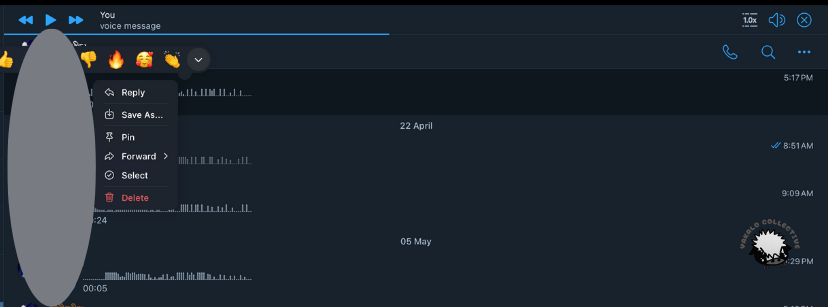
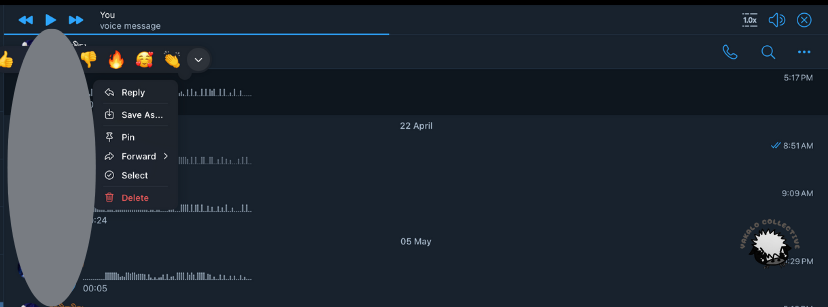
Telegram is a popular messaging app with 800 million users worldwide. Telegram is great for voice messages and texting. Today, I will show you how to take the voice messages in Telegram and upload them into Dito. First, go to Telegram for Desktop and right-click to the right of the person’s name above a message and a list of options will appear. Then, choose the option, “Save As.” Make sure to remember where you are saving your file.
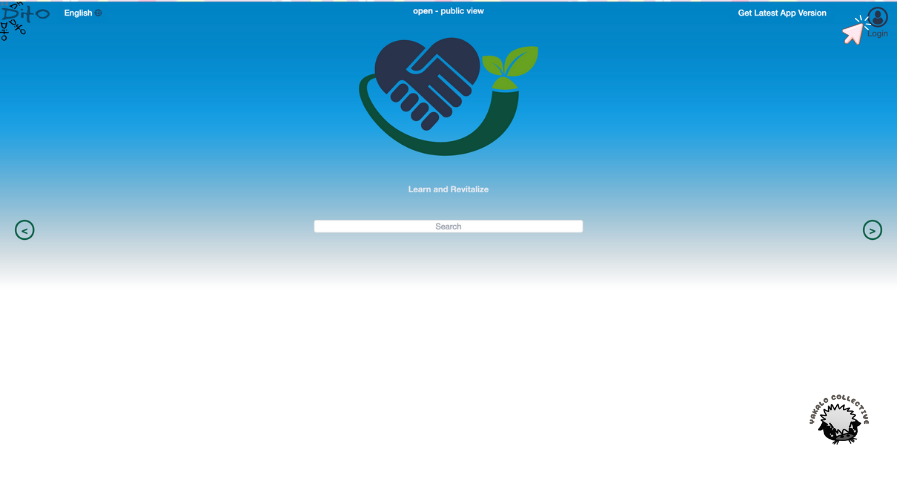
Next head over to Dito and log in by clicking “Login” in the upper-right hand corner.
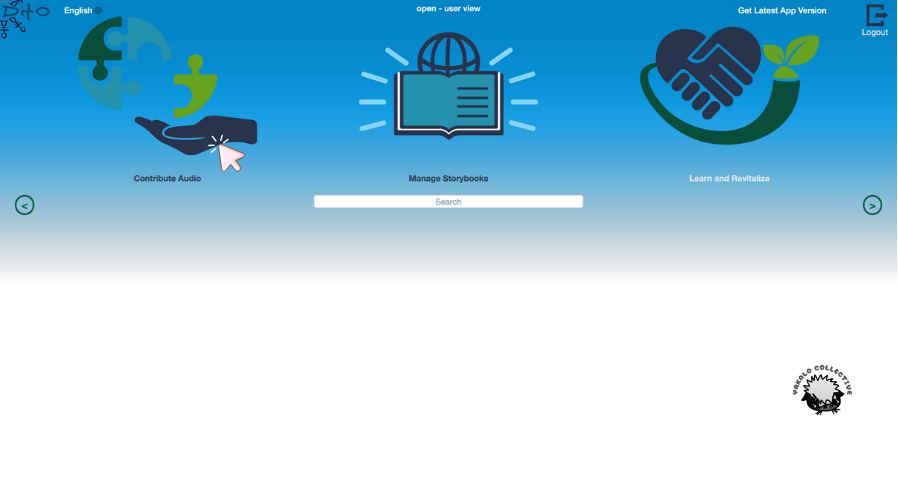
Once you have logged in, you will see three options appear. Click on “Contribute Audio.”
Now, click “Browse.”
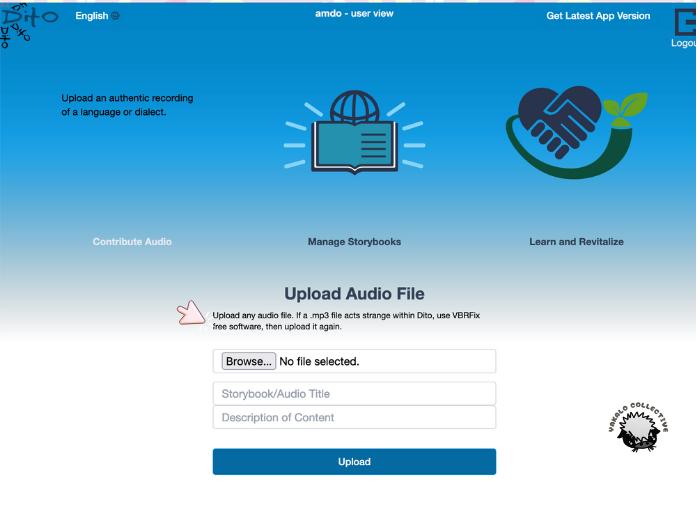
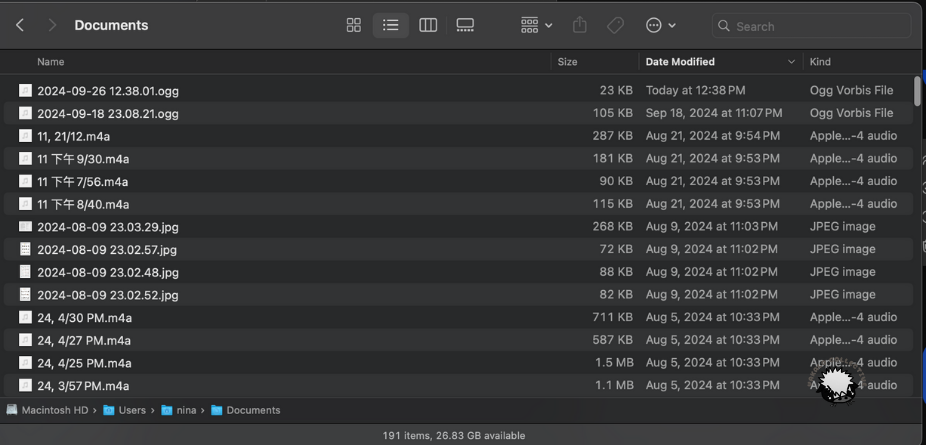
A box will appear, and you will click on the audio file you downloaded from Telegram to upload. My Telegram audio file ends in .ogg, so yours may as well.
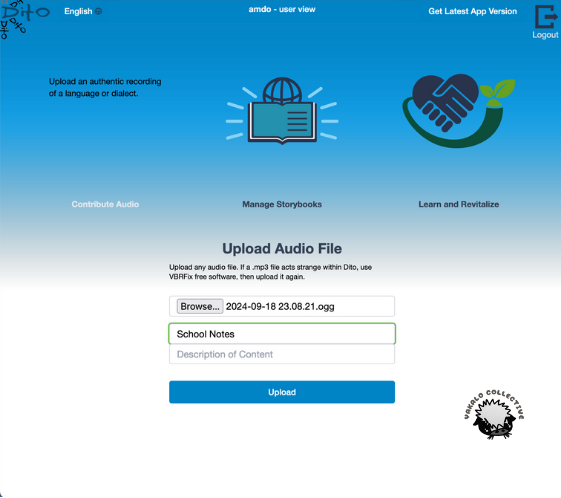
Now, you will see that your audio file appears in the box, and you can give it a title and a description in the boxes below. When you are finished, press “Upload.”
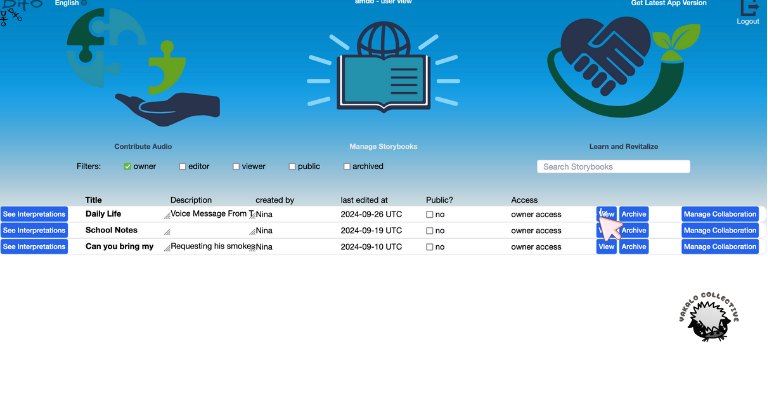
After your upload has finished, this screen will appear, showing all of your contributed audio files. Click on “View” to begin transcribing/translating/annotating/interpreting your audio file.
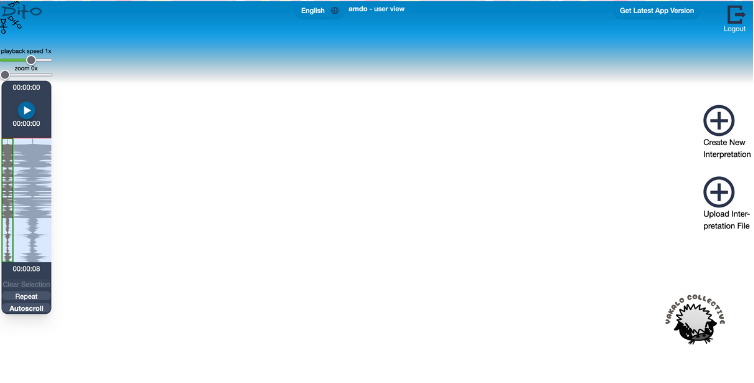
Now, click on “Create New Interpretation,” and you are ready to start!

Leave a Reply